How You Shred Chicken in a Blender
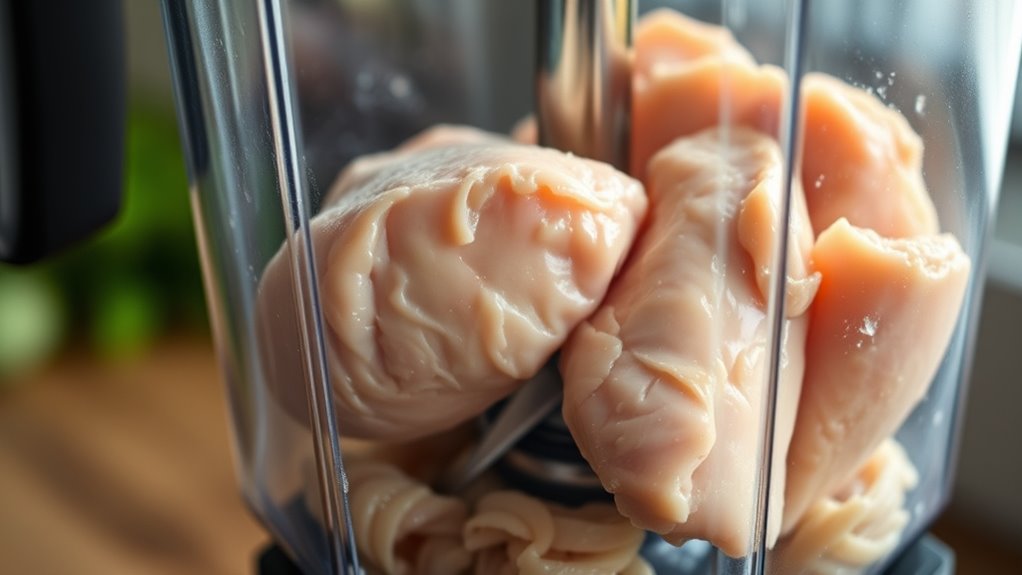
To shred chicken in a blender effectively, start with cooked, boneless, skinless chicken cut into 1-2 inch chunks.
Using a mid-powered blender with sharp chopping blades is essential for achieving the perfect shredded texture.
Pulse the chicken in short bursts to avoid turning it mushy and to maintain the ideal consistency.
Keep batches small and ensure the chicken is properly cooled before blending for the best results.
Avoid continuous blending and check the texture often to prevent over-processing.
With these tips, you can speed up meal prep and explore more ways to perfect shredded chicken in your recipes.
Key Takeaways
- Use cooked, boneless, skinless chicken cut into 1-2 inch chunks, partially thawed if frozen, for even shredding in the blender.
- Choose a mid-sized blender with at least 600 watts power and a pulse function to control shredding without overprocessing.
- Blend using short pulse bursts of 1-2 seconds at low or medium speed to avoid turning chicken into mush.
- Check texture frequently between pulses and stop shredding once uniform shredded pieces form.
- Clean the blender immediately after use by rinsing with warm soapy water and wiping the base to prevent residue buildup.
Why Shredding Chicken in a Blender Saves Time and Effort
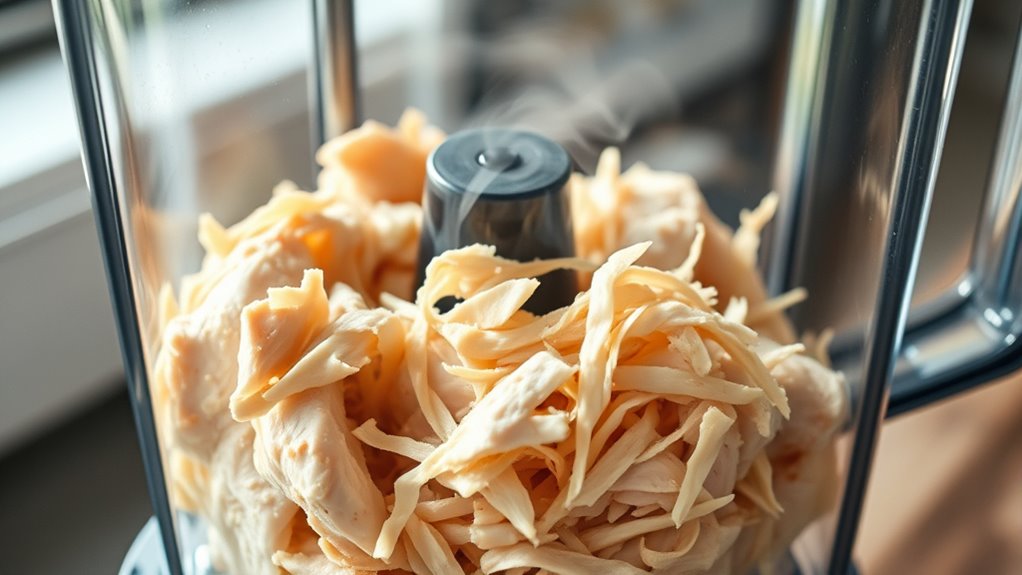
Although shredding chicken by hand can be satisfying, using a blender saves you significant time and effort. Instead of pulling apart fibers one by one, you simply toss cooked chicken into the blender and pulse a few times. This quick process shreds the meat uniformly, so you don’t have to worry about inconsistent pieces.
It’s especially helpful when you need to shred large batches for meals like tacos, salads, or casseroles. You’ll cut down prep time drastically, freeing you up to focus on other cooking tasks. Plus, it reduces hand fatigue, which is a relief if you’re shredding chicken frequently.
What Type of Blender Works Best for Shredding Chicken
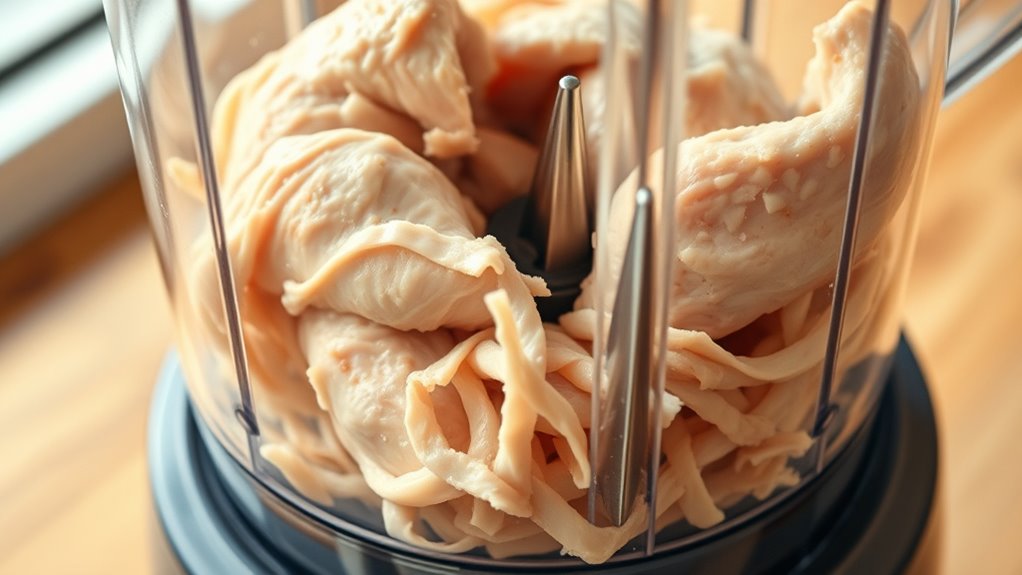
When choosing a blender to shred chicken, you want one with variable speed settings and strong motor power to guarantee even shredding without turning the meat into mush. A blender with at least 600 watts works well for this task, providing enough force to break down the chicken fibers without overprocessing. Opt for models with pulse functions so you can control the shredding more precisely.
High-speed blenders might shred too finely, while low-powered ones may leave large chunks. Additionally, choose a blender with sharp, durable blades designed to handle solid foods. Avoid small personal blenders—they often lack the power and capacity.
A mid-sized countertop blender strikes the right balance for efficient, consistent shredding every time you need it.
How to Prep Cooked Chicken for Shredding in a Blender
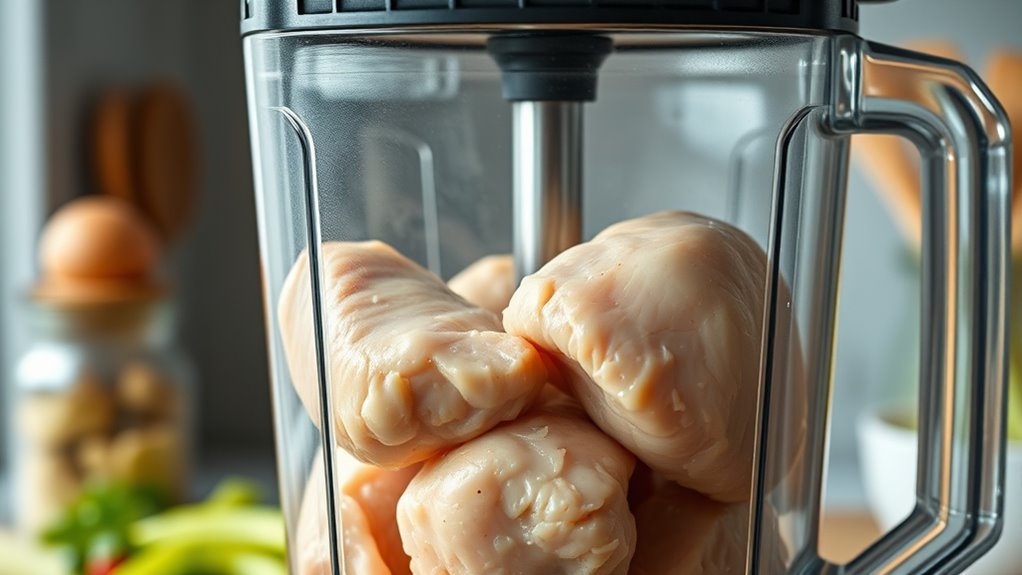
Before shredding, pick cooked chicken that’s tender and not too dry for the best results. Let the meat cool enough to handle, then cut it into smaller pieces to help your blender work efficiently.
These simple steps make shredding easier and give you perfectly shredded chicken every time.
Choosing The Right Chicken
Selecting the right chicken is essential for shredding it smoothly in your blender. Opt for boneless, skinless chicken breasts or thighs because they’re easier to work with and shred evenly. Thighs tend to be more tender and moist, which helps prevent dry, stringy results.
Avoid using whole chickens or bone-in pieces since they require extra prep and can damage your blender. Also, choose chicken that’s cooked just right—not overcooked or undercooked. Overcooked chicken becomes tough, while undercooked meat won’t shred properly or be safe to eat.
Fresh or properly thawed chicken works best; frozen chicken that’s partially thawed can shred unevenly. By selecting the right cut and quality of cooked chicken, you set yourself up for a quick, hassle-free shredding process.
Cooling And Preparing Meat
Although shredding cooked chicken in a blender is quick, you need to cool and prepare the meat properly first. Hot chicken can release steam that may make a mess or damage your blender. Let the chicken rest at room temperature for about 10-15 minutes after cooking, or place it in the fridge for faster cooling.
Make certain it’s completely cool before blending to avoid any accidents. Also, remove any skin, bones, or excess fat to guarantee smooth shredding and prevent chunks from clogging the blades. Pat the chicken dry with paper towels if it’s too moist, since excess liquid can turn your shredded chicken mushy.
Proper cooling and prep make shredding easier and give you better texture in the end.
Cutting Chicken Into Pieces
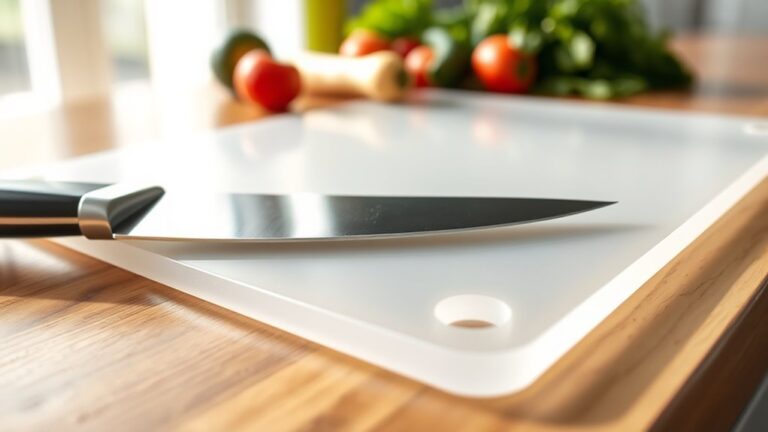
Once your chicken has cooled and is prepped, the next step is cutting it into smaller pieces. Grab a sharp knife and a clean cutting board. Slice the chicken into chunks roughly 1 to 2 inches in size.
This size allows the blender blades to work efficiently without overprocessing. Avoid making the pieces too small, or the chicken might turn mushy when shredded. Make sure to remove any large chunks of fat or gristle before cutting.
Once cut, spread the pieces evenly in the blender jar, ensuring you don’t overload it. Properly sized pieces help you achieve consistent, tender shreds quickly. With your chicken cut just right, you’re ready for the final shredding step in your blender.
Tips for Shredding Frozen or Leftover Chicken
When shredding frozen or leftover chicken in a blender, you’ll want to thaw it just enough to break it into smaller chunks. Avoid fully thawing, which can make the chicken too soft and mushy. Instead, aim for partially thawed pieces that blend evenly without turning into paste.
Also, cut the chicken into uniform sizes to guarantee consistent shredding.
Here’s a quick reference table for handling frozen or leftover chicken:
| Tip | Reason |
|---|---|
| Thaw partially | Prevents mushy texture |
| Cut into small chunks | Ensures even shredding |
| Use pulse function | Controls shredding without overprocessing |
Following these tips will help you shred chicken quickly and maintain a perfect texture every time.
Step-by-Step Shredding Guide for Chicken
Before you start shredding, make sure your chicken is cooked and cooled properly for the best results. You’ll also want to get familiar with your blender’s settings to avoid overprocessing.
Let’s walk through the exact steps to shred chicken quickly and easily.
Preparing Chicken Properly
Although shredding chicken in a blender speeds up the process, you need to prepare the chicken properly to guarantee even shredding and avoid a mushy texture. Start by cooking your chicken thoroughly—boil, bake, or slow cook until it reaches an internal temperature of 165°F (75°C). Let it cool slightly so it’s easier to handle but still warm enough for shredding.
Remove any skin, bones, and excess fat to prevent clumps. Cut the chicken into uniform chunks, roughly 1 to 2 inches wide, so the blender can shred them evenly without overprocessing. Avoid overcrowding the blender; work in small batches if necessary.
Proper preparation guarantees your shredded chicken has the right texture and consistency for any recipe you’re using.
Blender Settings Overview
Since the right blender settings make all the difference, you’ll want to use a pulse function or low speed to start shredding your chicken gently. This prevents over-processing and turning your chicken into mush. Begin with short bursts of 1-2 seconds, then check the texture.
If the chicken isn’t shredded enough, repeat a few more pulses. Avoid using high speed or continuous blending, which can pulverize the meat. Once you see small, shredded pieces forming, you can increase the speed slightly, but keep it controlled.
Best Blender Settings and Pulse Tips for Perfect Shredding
When you want perfectly shredded chicken, choosing the right blender settings is essential. Start by using the pulse function rather than a continuous blend. Pulsing gives you better control, letting you shred the chicken in small bursts to avoid over-processing.
Set your blender to a low or medium speed—this prevents the chicken from turning mushy. Use short pulses of about one second each, checking the texture after every few pulses. If you need finer shreds, pulse a few more times, but always stop before the chicken breaks down too much.
How to Avoid Turning Chicken Into Mush When Blending
To avoid turning your chicken into mush, you need to choose the right blender settings and stick to short pulse bursts. Make sure your chicken is properly prepared—cool and cut into manageable pieces before blending.
These simple steps help you shred chicken perfectly every time.
Choose Proper Blender Settings
Although a blender can quickly shred chicken, choosing the right settings is crucial to prevent turning your meat into an unappetizing mush. Start by selecting a low or medium speed rather than high; this gives you better control and helps maintain texture. Avoid using continuous blending at high speeds, which pulverizes the chicken instead of shredding it.
If your blender has preset modes, opt for one designed for chopping or mixing rather than pureeing. Also, make certain you don’t overload the blender jar—blending smaller batches allows the blades to work evenly. Finally, check your blender’s blade type; blades designed for chopping rather than crushing will shred more effectively.
Picking the correct setting minimizes over-processing and keeps your shredded chicken perfect for recipes.
Use Short Pulse Bursts
Since blending chicken too long can quickly turn it into mush, you’ll want to use short pulse bursts instead of continuous blending. Pulsing gives you more control over the shredding process, allowing the chicken to break apart without overprocessing. Press the pulse button in quick, controlled bursts lasting one to two seconds each.
After a few pulses, check the texture to avoid going too far. If you blend continuously, the blades will chop the meat into a paste rather than shreds. Using short pulses also prevents overheating the blender motor and keeps the chicken’s texture intact.
Prepare Chicken Correctly
When you prepare chicken correctly before blending, you prevent it from turning into mush and guarantee a perfect shredded texture. Start with cooked chicken that’s cooled slightly; warm chicken can clump and blend unevenly. Cut the chicken into uniform chunks about 1 to 2 inches in size—this helps the blender shred evenly without overprocessing.
Avoid using chicken that’s too tender or falling apart, as it will puree quickly. If your chicken is moist, pat it dry with a paper towel to reduce excess liquid, which can make blending inconsistent. Finally, don’t overload the blender—blend in small batches for better control.
Following these steps assures your shredded chicken has the right texture every time.
Common Mistakes When Shredding Chicken in a Blender
If you rush the process or overload the blender, you’ll end up with unevenly shredded chicken or a mushy mess. One common mistake is blending for too long; this breaks down the meat too much, turning it into paste rather than shreds. Another error is adding too much chicken at once, which prevents the blades from moving freely and results in inconsistent texture.
Don’t forget to pulse instead of holding the blender on continuously—pulsing gives you better control over the shredding. Also, avoid using hot chicken; letting it cool slightly helps maintain the right shredding consistency. Finally, skipping the step to cut the chicken into smaller chunks before blending can overload your blender and make shredding inefficient.
How to Clean Your Blender Quickly After Shredding Chicken
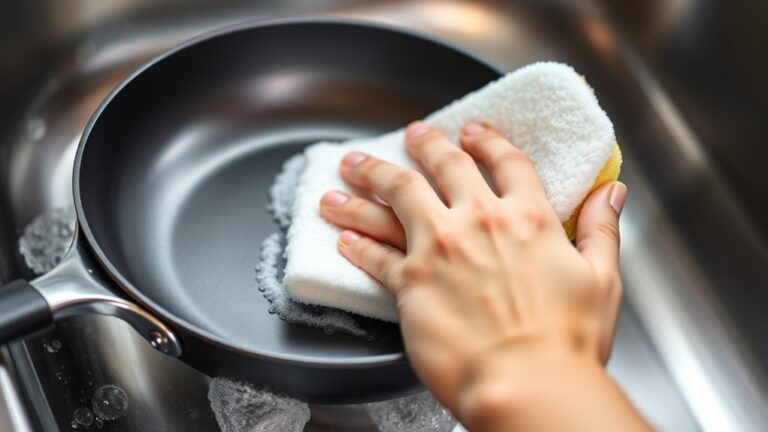
Although shredding chicken in your blender saves time, cleaning it afterward can feel like a hassle. But with a quick routine, you can keep your blender spotless without much effort. Start by rinsing the blender jar immediately to prevent chicken residue from drying.
Shredding chicken in your blender saves time, and a quick rinse keeps cleanup easy and hassle-free.
Then, add warm water with a few drops of dish soap. Secure the lid and run the blender on high for 30 seconds—this loosens stuck particles. Afterward, rinse thoroughly with warm water.
Don’t forget to:
- Wipe the base and buttons with a damp cloth
- Check and clean around the blades carefully
- Air dry the jar and lid upside down
- Regularly deep clean with vinegar or baking soda for odor control
This simple process keeps your blender ready for the next use.
Creative Recipes Using Blender-Shredded Chicken
Keeping your blender clean after shredding chicken means you’re ready to explore a variety of delicious recipes that make the most of this quick technique. You can whip up chicken tacos by mixing shredded chicken with taco seasoning, then topping with fresh salsa.
For a comforting meal, toss the shredded chicken into a creamy chicken pot pie filling or layer it in a casserole with cheese and veggies. You can also create a quick chicken salad by combining the shredded meat with mayo, celery, and spices for sandwiches or wraps.
Don’t forget to try chicken enchiladas—roll the shredded chicken in tortillas, cover with sauce and cheese, then bake. With blender-shredded chicken, you save time while enjoying versatile, tasty meals.
Frequently Asked Questions
Can Shredding Chicken in a Blender Affect Its Nutritional Value?
No, shredding chicken in a blender won’t affect its nutritional value. You’re just breaking it into smaller pieces faster, so the protein, vitamins, and minerals stay intact.
Just don’t overblend or heat it excessively.
Is It Safe to Shred Chicken in a Blender Without Cooking It First?
You shouldn’t shred raw chicken in a blender because 1 in 6 Americans get sick from foodborne illnesses annually. Blending raw chicken risks spreading harmful bacteria like salmonella, so always cook it first to keep yourself safe.
Cooking the chicken thoroughly kills harmful bacteria and reduces the risk of illness. Using a blender on raw chicken can also contaminate your kitchen and blender if not cleaned properly.
To avoid foodborne illness, always handle raw chicken with care and cook it before shredding in a blender.
How Long Does Shredded Chicken Last in the Refrigerator?
Shredded chicken lasts about 3 to 4 days in the refrigerator when stored properly in an airtight container. Make sure you cool it quickly and keep your fridge at or below 40°F to maintain freshness and safety.
Can I Shred Other Meats in the Blender Using the Same Method?
Yes, you can shred other meats like pork or beef in the blender using the same method. Notably, 70% of home cooks prefer shredding for quick meals, so this trick saves you tons of time and effort.
What Are the Best Storage Methods for Blender-Shredded Chicken?
You should store blender-shredded chicken in airtight containers or resealable bags. Keep it in the fridge for up to four days or freeze it for up to three months.
Label and date for easy tracking.
Conclusion
Picture tender strands of chicken falling effortlessly, like soft ribbons dancing in your bowl. By shredding chicken in your blender, you save precious minutes and energy, turning meal prep into a breeze.
With the right tools and techniques, you’ll avoid mushy messes and clean up quickly, ready to savor your delicious creations. Embrace this simple method, and watch your kitchen transform into a place where convenience meets culinary delight every day.
Shredding chicken in a blender is a quick and efficient way to prepare your meals. This easy technique ensures perfectly shredded chicken every time, making your cooking experience more enjoyable and hassle-free.